Add a location
On the map, use the box labelled Search for a place. Choose a suggestion, such as a postcode.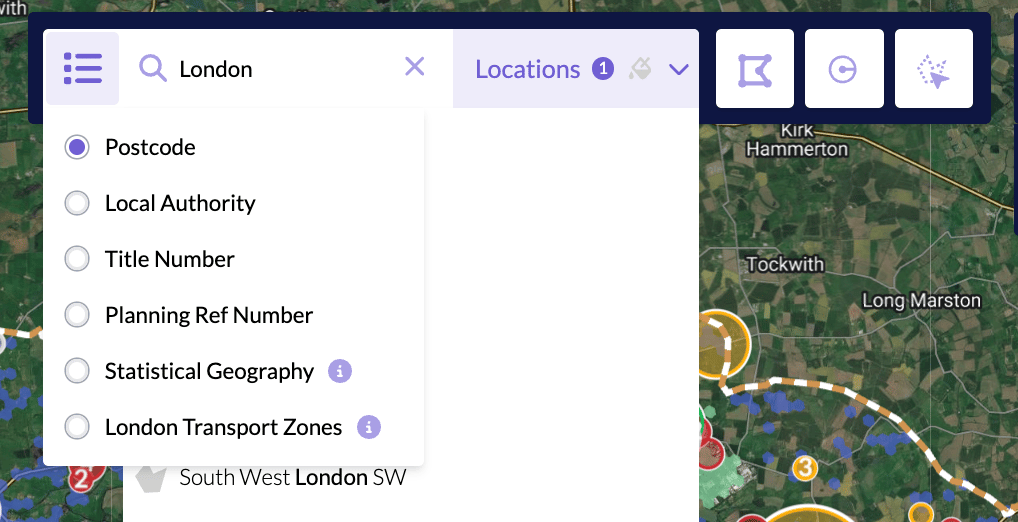
Open Comparables
Click Explore in the sidebar and choose Comparables. The Location field should already show the area you added. If it does not, open Location and select it.Click Apply
Click Apply. The panel loads the matching records, and Add to Dashboard becomes available.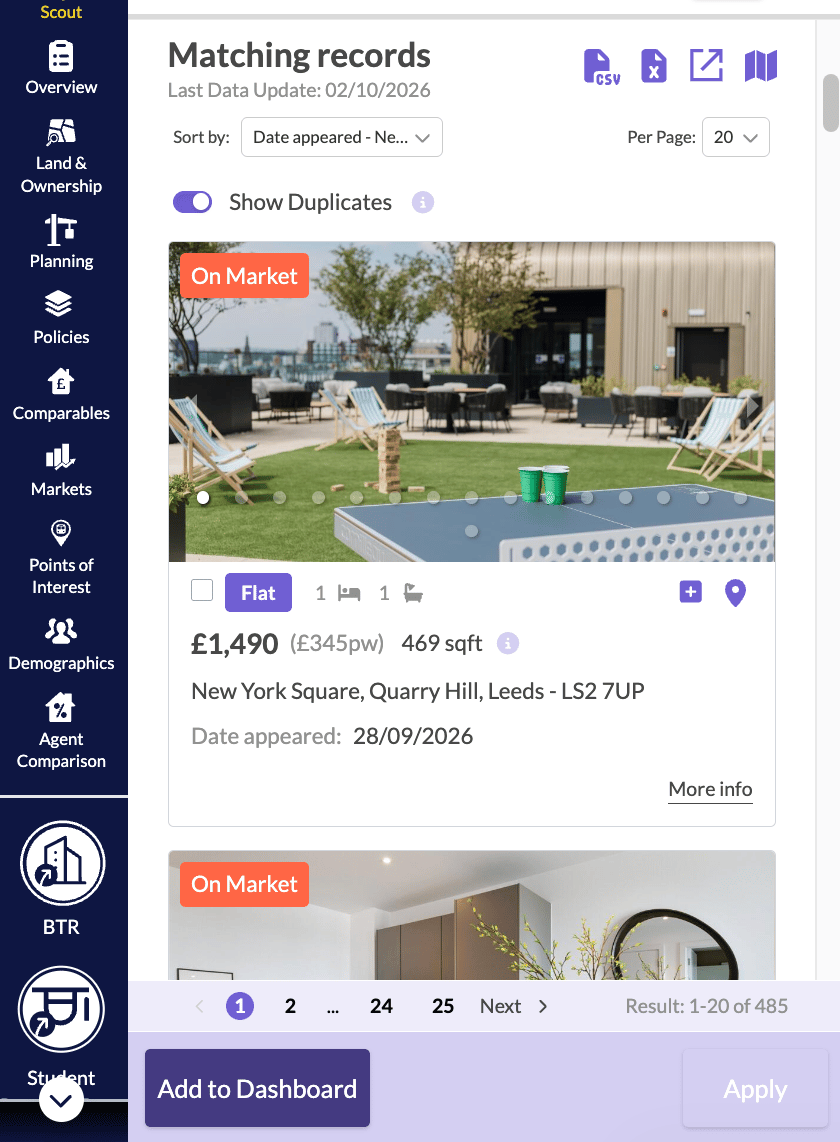
Add to Dashboard
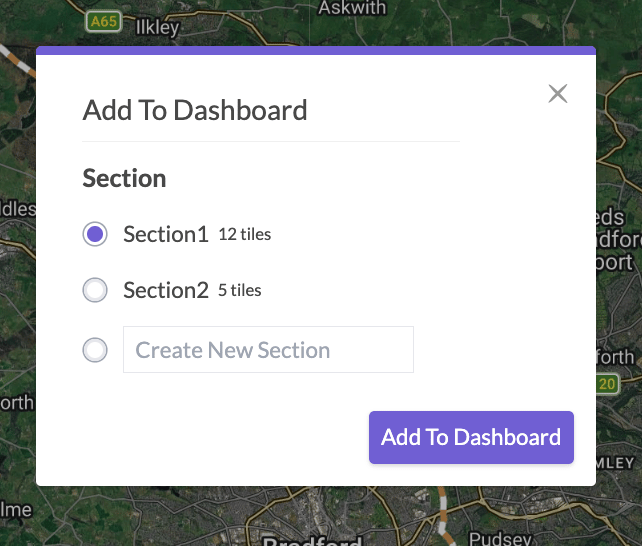
Click Add to Dashboard. The Add To Dashboard dialog asks you to choose a Section. Select one, such as General, or choose Create New Section and type a name. Then click Add To Dashboard.