

Export a project
Open the project, click the project menu and choose Export. Then pick a format:Export a single tile
To save one chart or map as an image, use Export as PNG on the tile.Export multiple records
To save one a list of records like comparables, planning applications etc, use the CSV or Excel export buttons.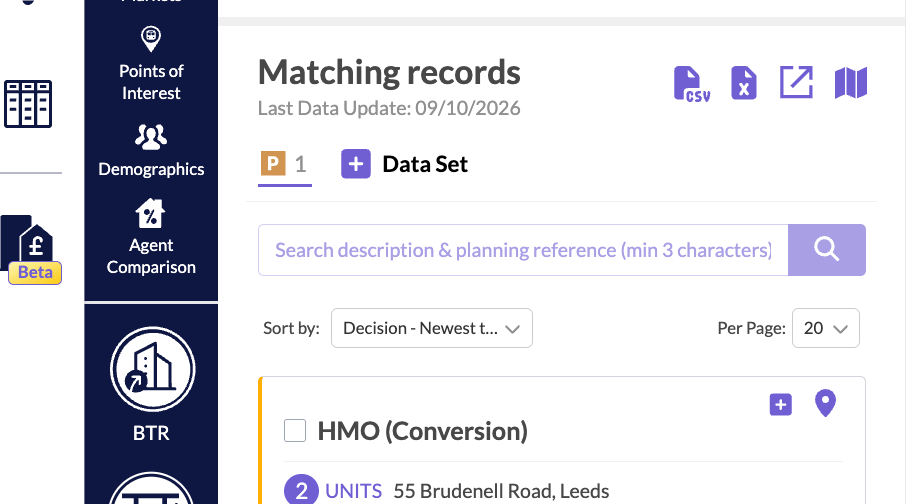
Export alerts and Site Board
- On the Alerts page, open an alert’s menu and choose Export CSV or Export Excel.
- On the Site Board, choose Export to CSV or Export to Excel. See Site Board.