

What agent comparison measures
Agent comparison shows which agents have the highest volume of listings for your search criteria in an area. Open Agent Comparison from the left menu and set the Location and date range. The Preview shows Market share for agents as a chart, with the Total number of active agents above it. The legend lists the agents with the most listings and the number of listings for each. All remaining agents are grouped under Others.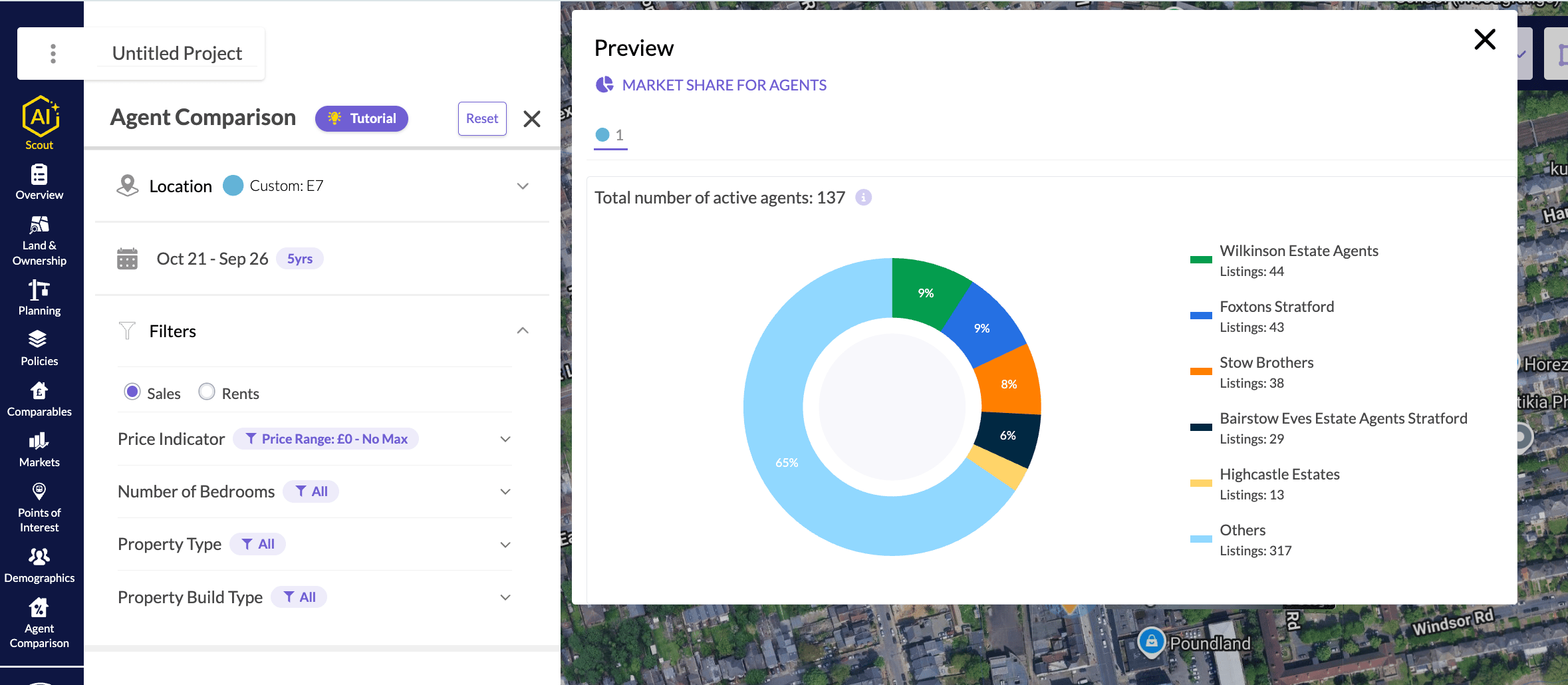
Market share for agents in the Agent Comparison preview.