

Find your planning alerts
Click the bell icon in the left sidebar.Create a planning alert
- Run a planning search for the location you want to monitor.
- At the bottom of the results list, click Create Alert.
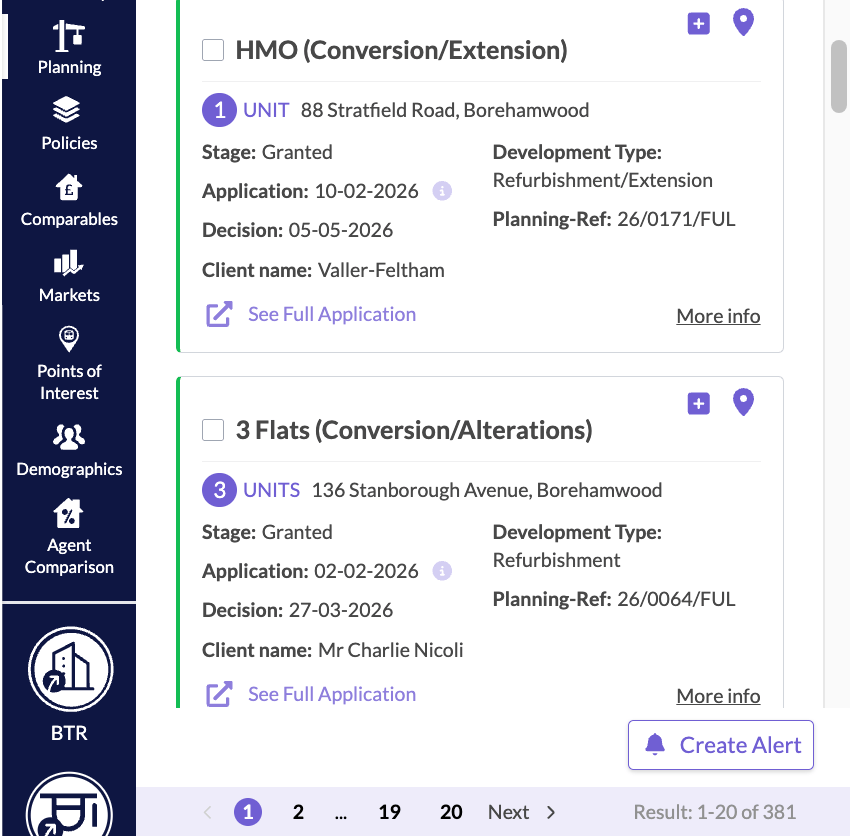
Create Alert sits at the bottom of the planning results list.
Follow your alerts
Open the planning alerts section to check the status of any alert. You also get an email when an application changes. Each Planning Alert shows how many new and changed applications it has, and an On / Off switch. Use Filter by to show All, New Applications, or Changed Applications. Expand an alert to see its applications in the list and on the map. You can delete an alert, or download your alerts as a CSV, from the same section.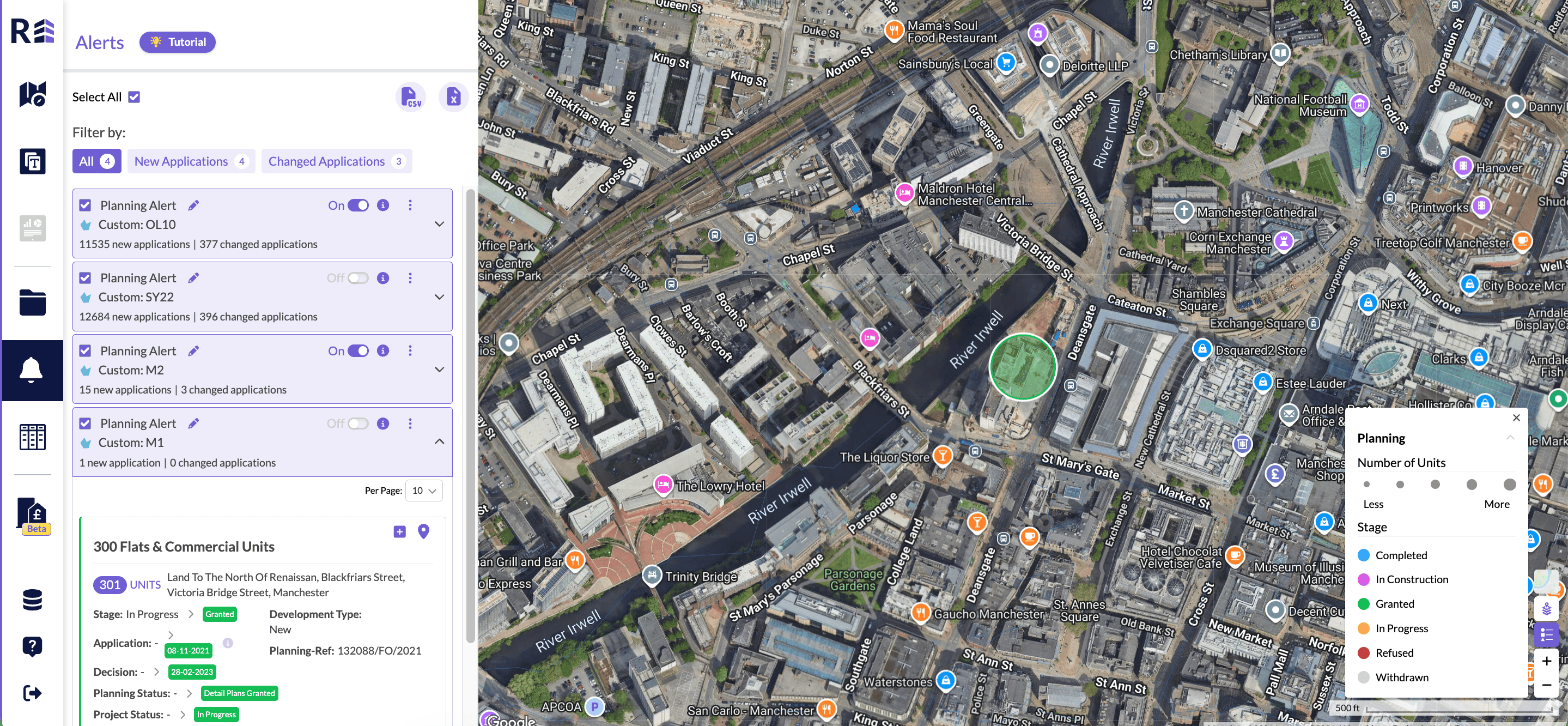
The Alerts section, opened from the bell icon.